Retin a Soldering Iron Tip: Revive an Oxidized Tip

A black tip that won't take solder isn't always dead. Here is how to retin it with tinner, when abrasives are a last resort, and the signs it's time to replace it.
- Rubrique
- Actualité
- Auteur
 Élodie Barbier
- Publié le
- Lecture
- 4 min
Points à retenir
- A tip that sits hot and bare oxidizes. The solder coat is what shields the metal underneath, so once it burns off, a dark layer forms and molten solder rolls off it like water on wax.
- Tip tinner, also sold as reactivation or cleaning paste, is the usual fix for a blackened tip.
- Tinner is a strong flux. According to guidance summarized from a DigiKey forum thread, overusing it degrades the iron plating over time.
- Wipe on brass wool or a damp sponge before each joint.
To retin an oxidized soldering iron tip, heat it, work it into tip tinner until a bright, even coat of solder covers the working end, then wipe off the residue on brass wool or a barely damp sponge. If the tip still refuses solder after that, the plating is probably damaged and the tip needs replacing.
If you have never tinned a tip, start with our guide on how to tin a soldering iron tip. This article covers the harder case: a tip that has turned black, beads solder instead of wetting, and no longer carries heat into the joint.
Why a tip stops taking solder
A tip that sits hot and bare oxidizes. The solder coat is what shields the metal underneath, so once it burns off, a dark layer forms and molten solder rolls off it like water on wax. According to the DigiKey forum guide on tip maintenance, an uncovered tip oxidizes and detins whenever the iron sits idle, so the working end should stay coated with solder between joints.
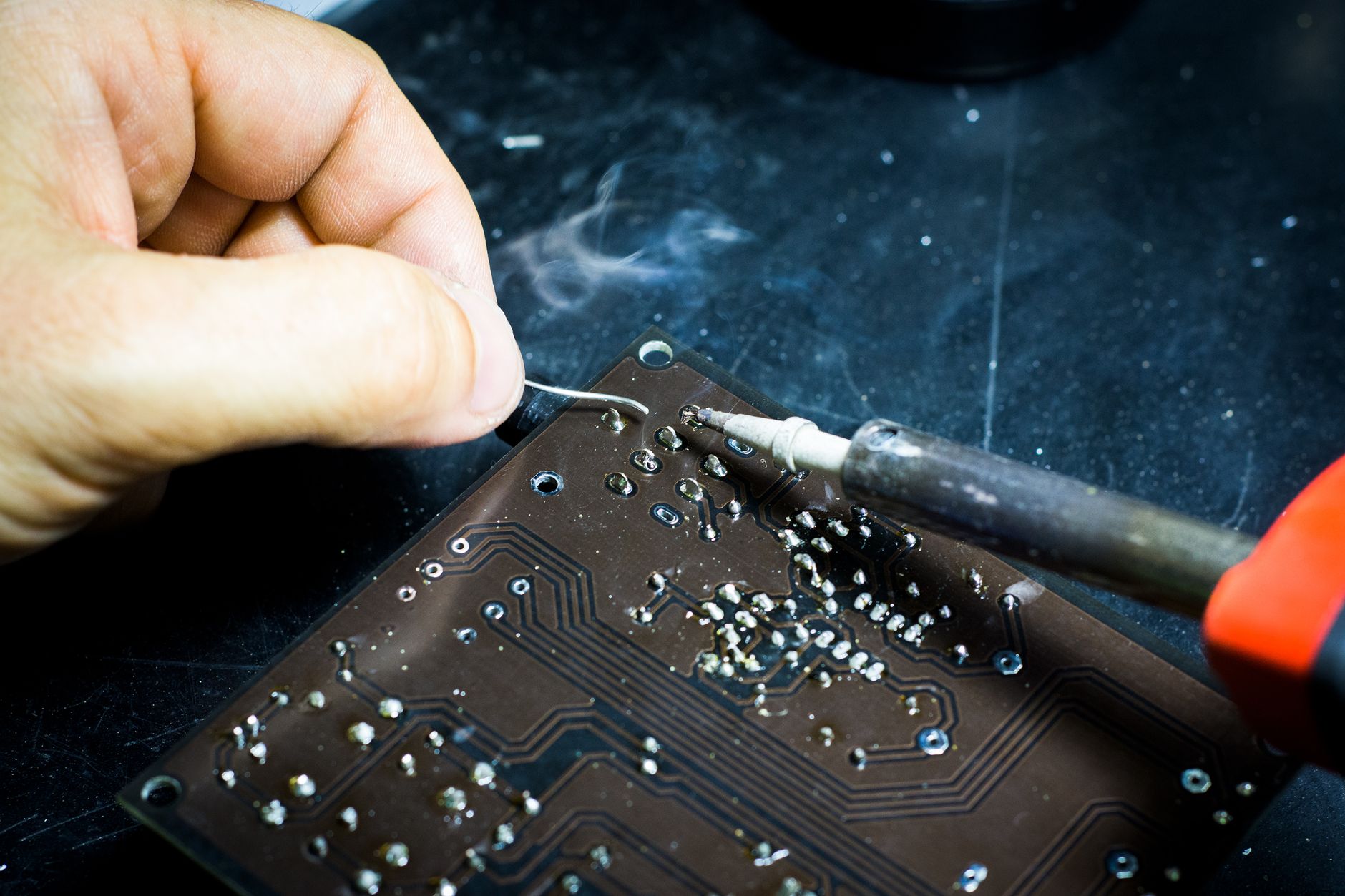
Temperature plays a part too. The same guide recommends staying at or below 800°F (427°C) and says temperatures above 850°F sharply increase oxidation. It also notes that some users argue for much lower settings, just above the melting point of the solder. Whatever you choose, match it to your solder and tip. Our walkthrough on setting the temperature on a soldering iron covers how to pick a number.
Step by step: retinning with tip tinner
Tip tinner, also sold as reactivation or cleaning paste, is the usual fix for a blackened tip. According to the DigiKey forum, a chemical paste such as Hakko FS-100 can retin a tip that is oxidized and won’t accept solder.
- Heat the iron. One source quoted in search results suggests 250°C to 300°C (about 480°F to 570°F) for this job.
- Work the tip into the tinner. Wipe or dip the hot tip so the whole oxidized area touches the paste. A few seconds is often enough, until bright solder appears around the working end.
- Wipe off the excess. DigiKey advises finishing on a damp sponge to remove leftover flux and solder, leaving a clean, shiny tip.
- Add fresh solder. Melt a little rosin-core solder onto the tip right away and leave it coated.
For light oxidation, you may not need paste at all. Metcal recommends applying flux-cored solder to the oxidized tip, since the heat activates the flux and lifts the oxide.
Don’t overuse the tinner
Tinner is a strong flux. According to guidance summarized from a DigiKey forum thread, overusing it degrades the iron plating over time. That source suggests reserving it for roughly every 20 to 30 sessions when the tip is otherwise kept clean and tinned. Treat it as a repair, not a daily cleaner.
Daily cleaning that prevents the problem
- Wipe on brass wool or a damp sponge before each joint. Brass wool is widely preferred for its longevity and gentle abrasiveness. A cellulose sponge works if it is only damp, ideally with distilled water.
- Keep sponges from getting soaked. One source warns that each wet contact causes thermal shock that can harm the plating.
- Use decent solder. DigiKey notes that very thin solder carries too little flux and low-tin solder hurts tinning. It recommends rosin-core solder of about .032 inch (0.80 mm) or larger.
- Tin before parking the iron. Hakko advises putting solder on the pre-tinned area after soldering, before the iron goes back in its holder.
If you are still getting comfortable with the basics, how to use a soldering iron shows where tip care fits in the routine.
When tinner fails: abrasives as a last resort
If paste doesn’t work, DigiKey describes two options. With the tip cold, a polishing bar removes surface oxides, and you re-tin immediately. Failing that, rub gently with emery cloth or a soft steel brush, then cover the tip with solder at once. iFixit also lists mechanical abrasives as a last resort, after tinner.
Be careful. The same DigiKey guide says never to file or reshape a plated tip: once the iron plating is pierced, the tip will die quickly. A commenter there also warns that abrasives and sponge residue can contaminate joints on small SMD work.
When to replace the tip
Metcal warns that a crack or hole in the plating lets the copper core touch the solder, which usually means the tip is finished. Signs to watch for include pitting, a worn-through plated surface, or a tip that stays dull and bare no matter how many times you retin it. A new tip costs far less than the failed joints a bad one will give you.
Quick checklist
- Black tip that beads solder: try flux-cored solder first, then tip tinner.
- Still bare after tinner: polish gently, re-tin immediately.
- Plating pierced or copper visible: replace the tip.
- Going forward: brass wool, a coat of solder at rest, and a sensible temperature.
Soldering electronics is a different trade from structural work, but the same habit of caring for your tools applies at the bench. If you are weighing a bigger equipment decision, our guide to choosing a welding machine is a good next read.